Introduction
‘Segments’ is an ongoing concept in Responsibly. You can define a supplier segment centrally, and then that same segment can be used to filter suppliers on your scorecards, in your reporting, on your dashboards and more All segments are dynamic which means it’s a list that grows/shrinks according to the suppliers. E.g. if you create a segment filtered by risk, then that list will grow and reduce as risk is found and managed. If you create a segment filtered by categories or countries, then new supplier added will automatically fall into that list If you want to create a static list that’s predefined for that period in time. E.g. those 500 suppliers you want to track progress with regardless of how your overall supplier base evolves, you can simply assign those suppliers a category or custom field, and create the segment around that category To learn more about categories and custom fields, visit the Supplier metadata section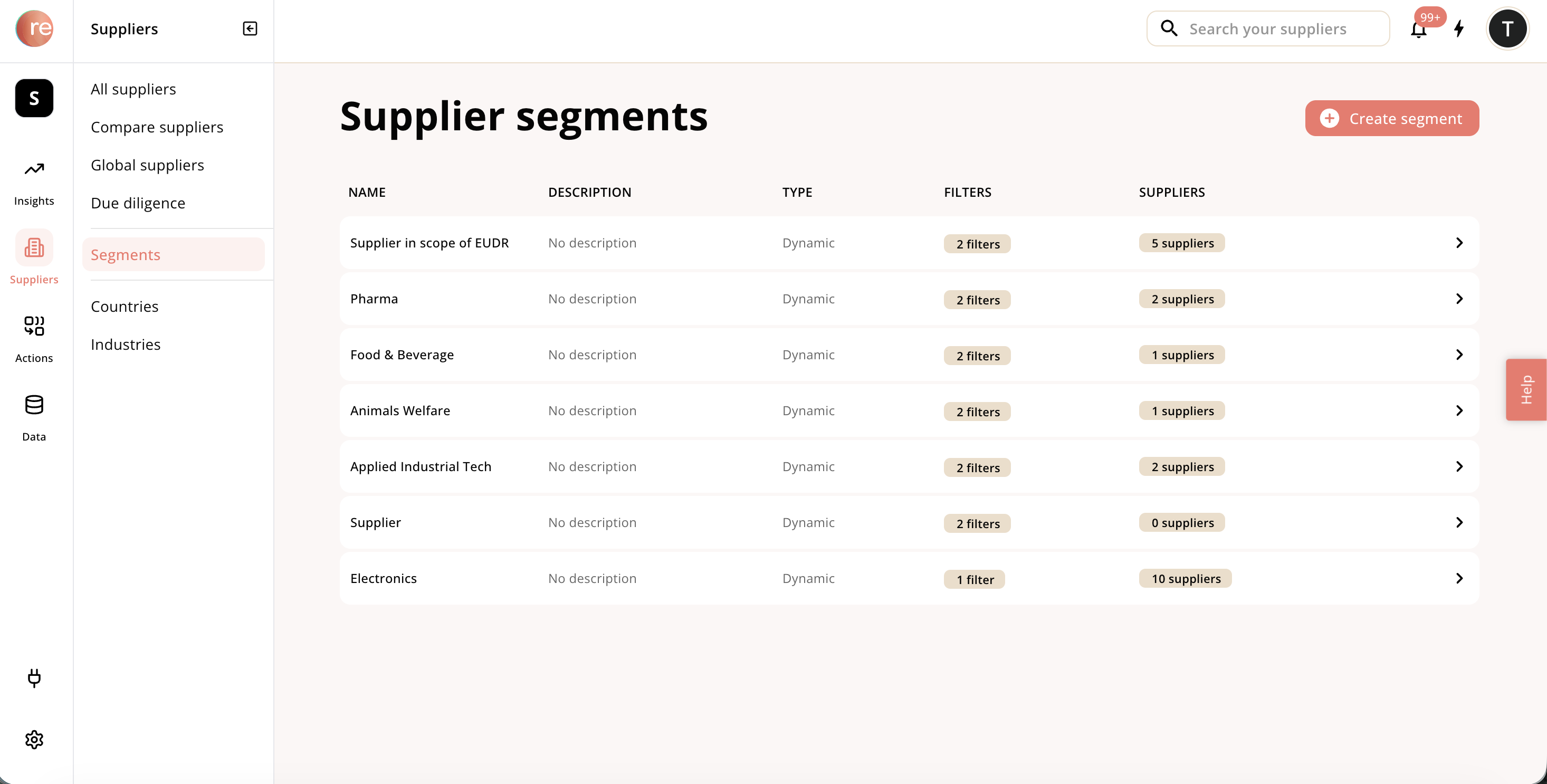
How to create a segment
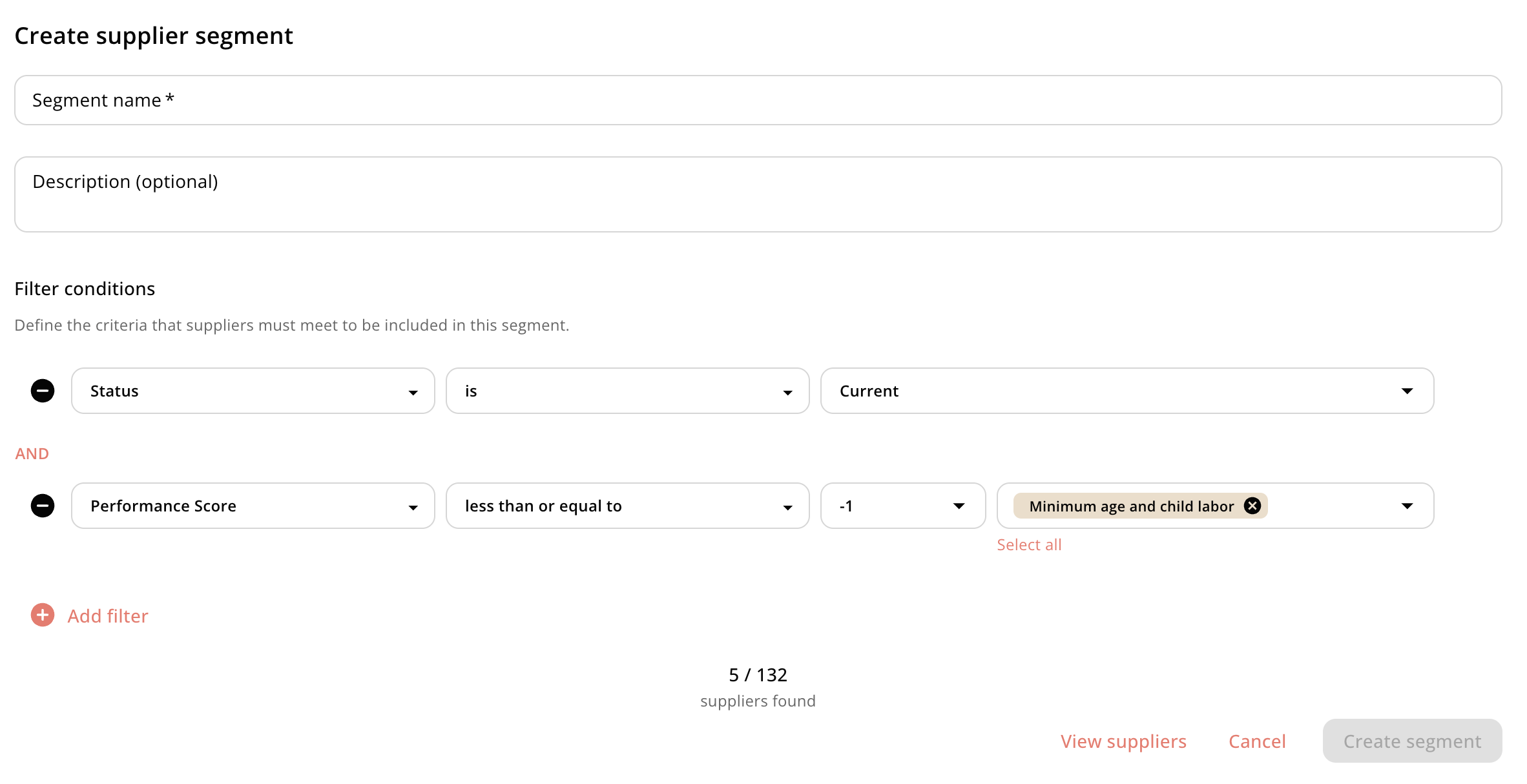
Choose a set of filters, together with AND / OR relationships between them By default, you will get current suppliers in filter. If you want to see the suppliers filtered in your segment, click view suppliers To learn more about current, visit the “Status” section