Video tutorial
What is a digest
A digest is a periodic email that is sent with customizable content, frequency and audience. We’ve made the digests as configurable as possible to adapt to all use cases. We deliver email notifications in a digest to avoid spamming you with notifications whenever things change, and instead send you a list of updates at a pre-defined interval.
You can have as many digests as you like
Setup digests for different topics, supplier segments, or purposes. You can inform leadership on a monthly basis, or the team on a weekly basis. Our email digests are built modularly so you can setup as many digests as you like.
Select who receives the digest, and which suppliers are covered
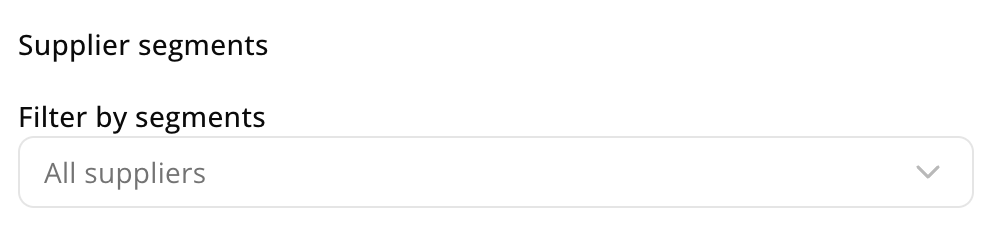
To make the digests as configurable as possible, you can both select which team members receives the digest, and which suppliers are covered in it. If nothing is selected in supplier segments, it defaults to all suppliers.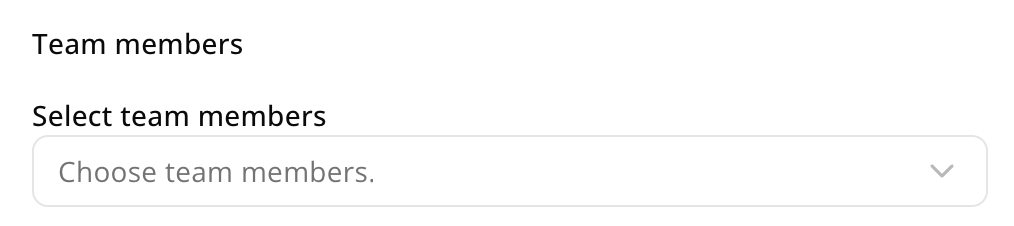
What data can you receive notifications on?
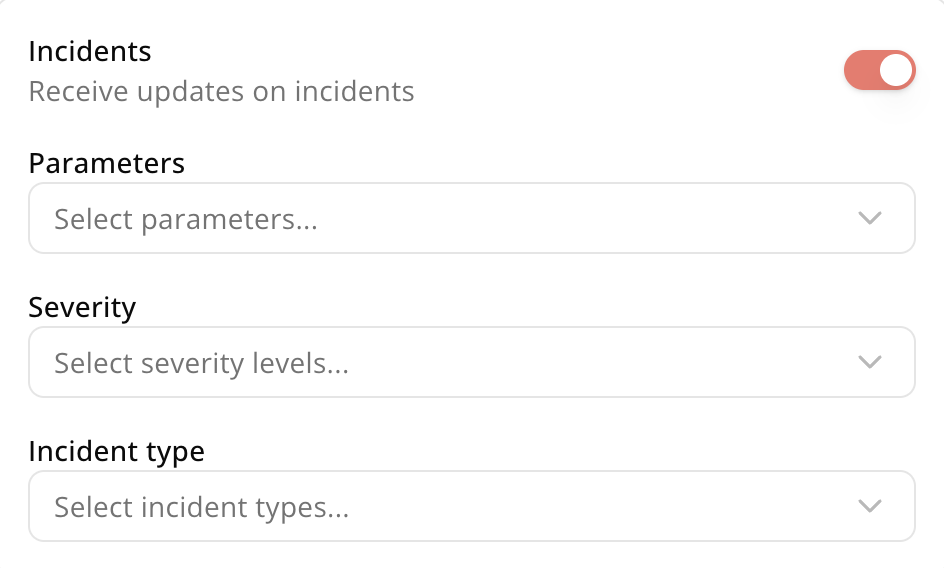
You can receive notifications when new incidents come in and when your supplier engagement progresses. If you want notifications on other topics (e.g. score changes), let us know, and we’ll add it to the roadmap.Incidents updates
For incident updates, you can filter which type of incidents you want to receive notifications on, including:- Parameters: i.e.which parameters the incidents classify under (e.g. child labor)
- Severity: i.e. how severe the incidents are (e.g. ‘confirmed’ vs. ‘alleged’ events)
- Incident type: i.e. what type of incident it is (e.g. ‘news’ vs. ‘sanctions’)
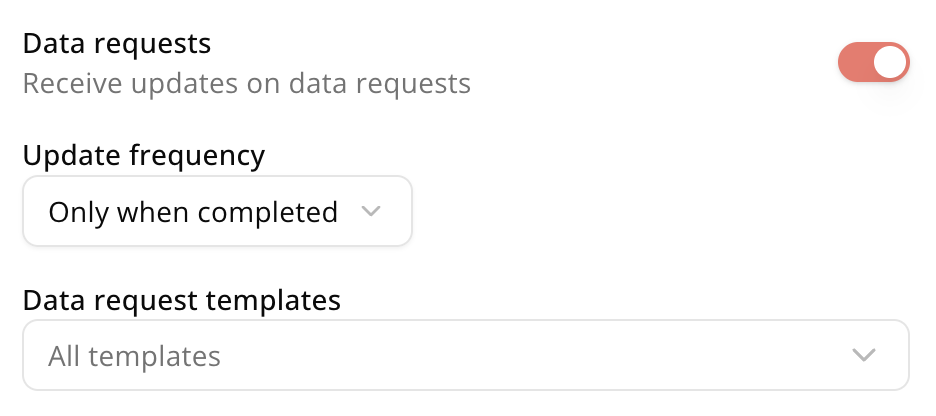
Data request updates
You can also get informed when your supplier engagement progresses. Here you can both choose between:- **Update frequency: **I.e. do you only want to get notified when the request is completed, or also when progress is made (e.g. request is opened, answers to some questions submitted, etc.)
- Data request templates: I.e. do you want to get notified on all data requests for the suppliers in scope, or only for specific enga gement templates.
Disabling digests
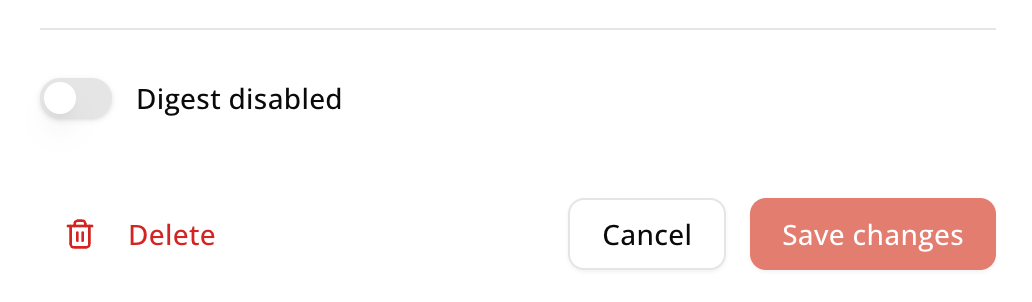
If you want to disable a digest but not delete it because you want to keep the settings, simply disable the digest at the bottom of the page.