Categories
Categories is a flexible field to easily tag your suppliers. You can have as many categories as you want on a given suppliers We often use categories to derive at the relevant GICS industry for your supplier, as your internal categorization can reflect what you are buying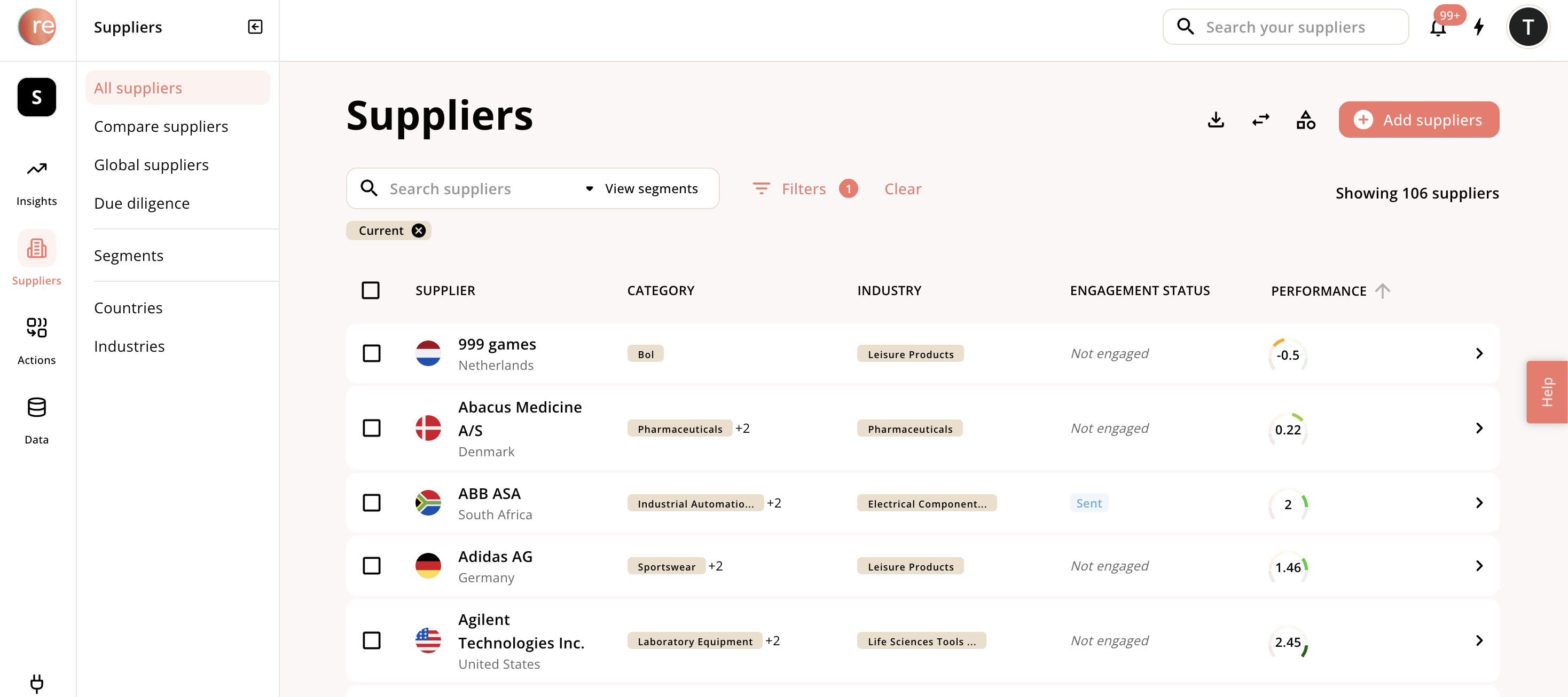
Custom fields
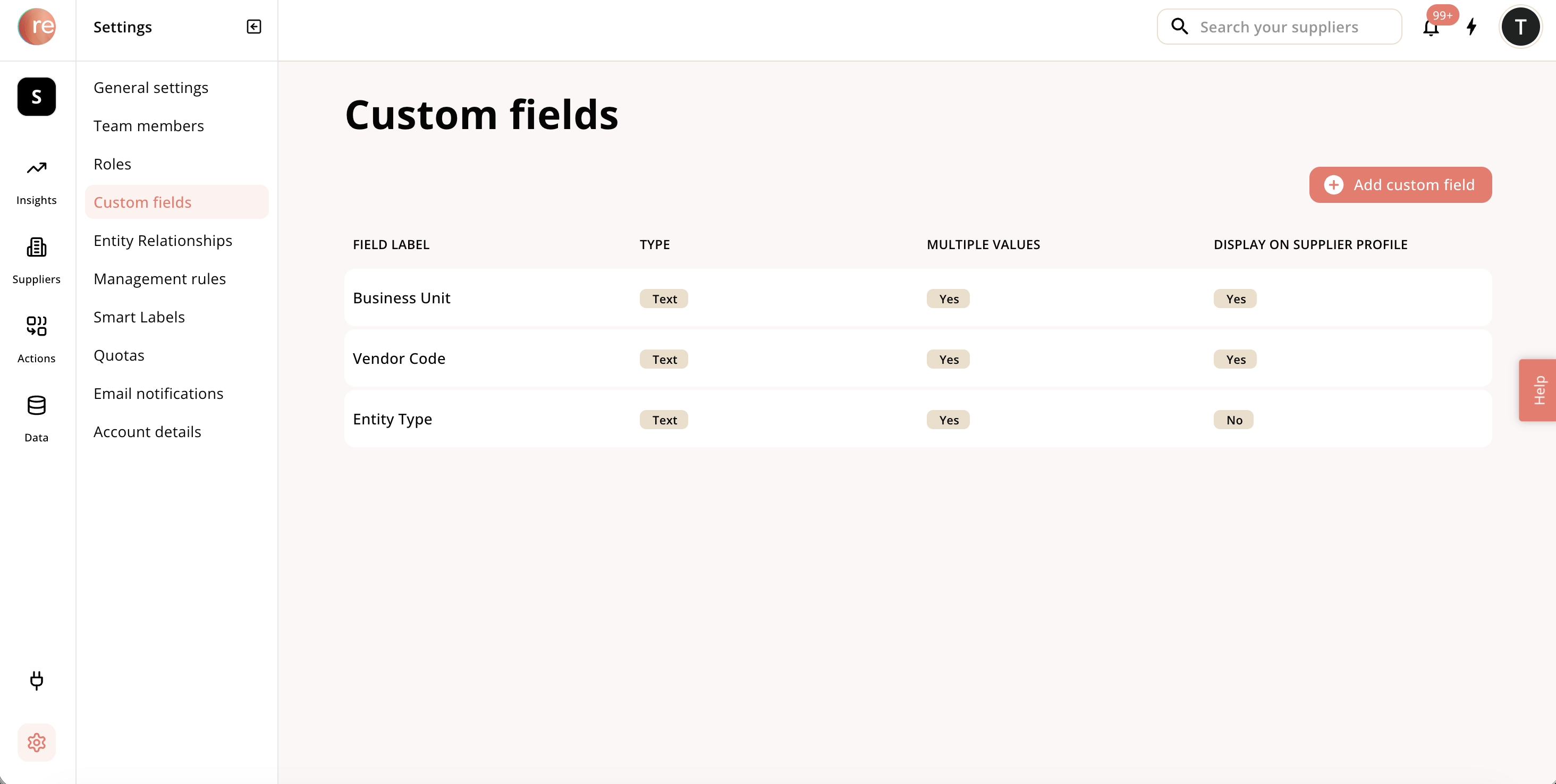

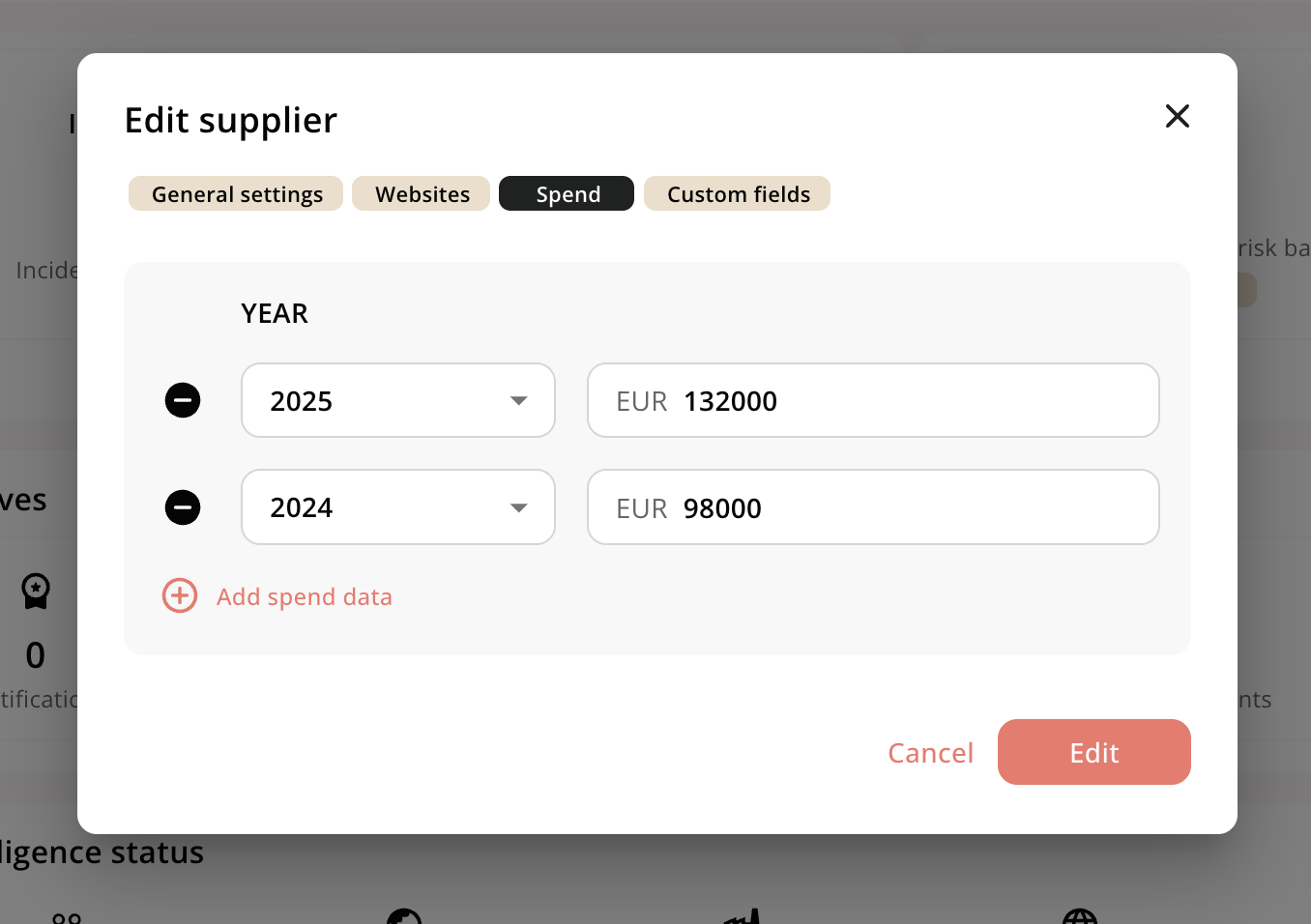
Spend
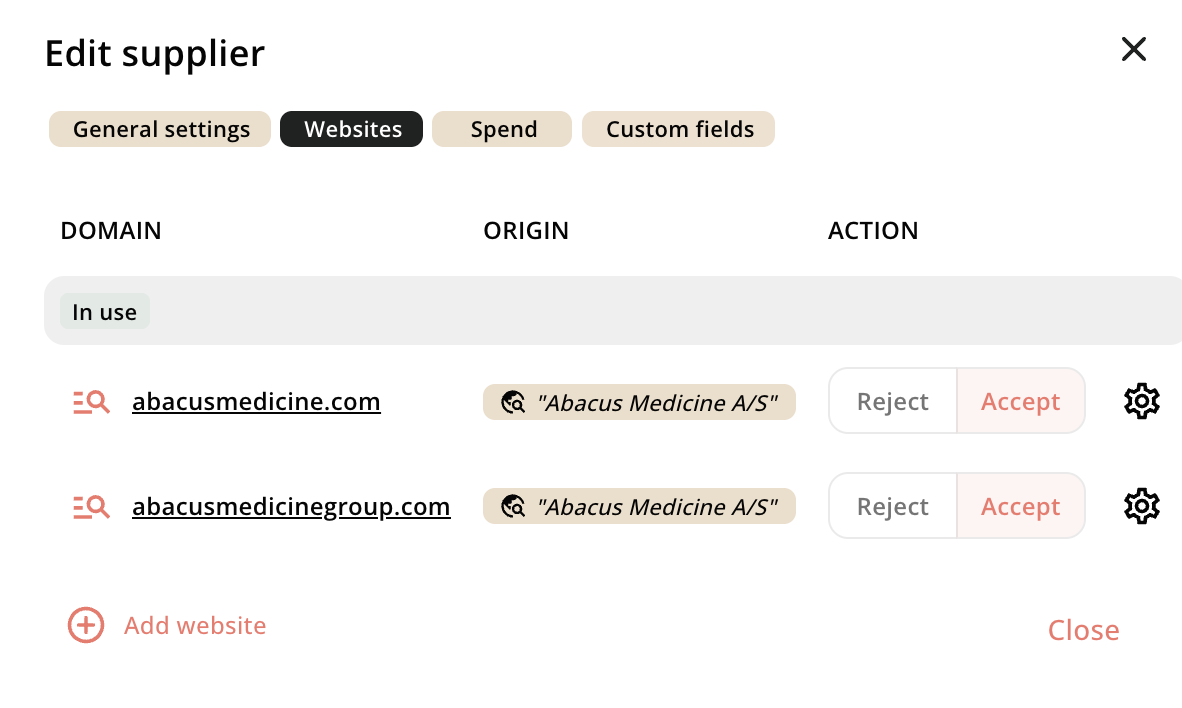
Website
Industries
For the official industry field we leverage the official GICS taxanomy. Read more about the GICS taxonomy here: https://en.wikipedia.org/wiki/Global_Industry_Classification_Standard More than one industries can be assigned to one supplier We will automatically populate an industry based on the internal procurement category provided When you don’t have access to this, we can assign an industry based on the content of the supplier’s website. However, note that a supplier might be operating in multiple industries, and you are only working with them in a specific context, so we prefer leveraging your internal indications When an industry is assigned, relevant risks associated with that industry will pulled. Read more about the risk module in our Risk and incident management sectionCountry
One main country can be added per supplier, if multiple needs to be added, see the addresses feature below The country added should be the best representation of the data in your own system, we typically prefer the HQ or the country of your dealings with the supplier When a country is assigned, relevant risks associated with that industry will pulled. Read more about the risk module in our Risk and incident management sectionAddresses
You can add multiple addresses associated to the supplier Each address can get a label, if no label is provided ‘business address’ is the default The address is automatically recognized using a variation of algorithms. You can see what the address is recognized as, and change it if wrong We can recognize multiple levels of addresses, e.g. city, streets, etc. We don’t need specific street numbers and floor levels Some addresses may be hard to recognize. We’re using a global vendor that has top coverage, but for various reasons, a few of the addresses may not be automatically recognized. These needs to be resolved individually, but reach out to support for help resolving addresses around a larger number of suppliers When an address is resolved and recognized it takes part in the risk analysis, and relevant risks associated with that address will be displayed. In general, our risk module gives preference to precise locations, so an address in Shanghai would be considered more precise than an overall location in China, and would hence use Shanghai for the risk evaluation where data on that level is available. Read more about the risk module in our Risk and incident management sectionAliases
A company may be known by multiple names. Maybe they have changed names in the past, or the company name is abbreviated like ISS or ABB Names are important as they form the foundation of our entity resolution framework Responsibly have agents that automatically uncovers aliases and adds them to the supplier Aliases will be included when entity resolution takes place, and to ensure the right names are included in the due diligence process. Read more in Overview of due diligence processResponsibly ID
Every supplier you create has a unique responsibly ID That ID is both part of your URL, and is extracted when you extract suppliers The ID is specific to your supplier and is not used in the entity resolution process
Internal ID
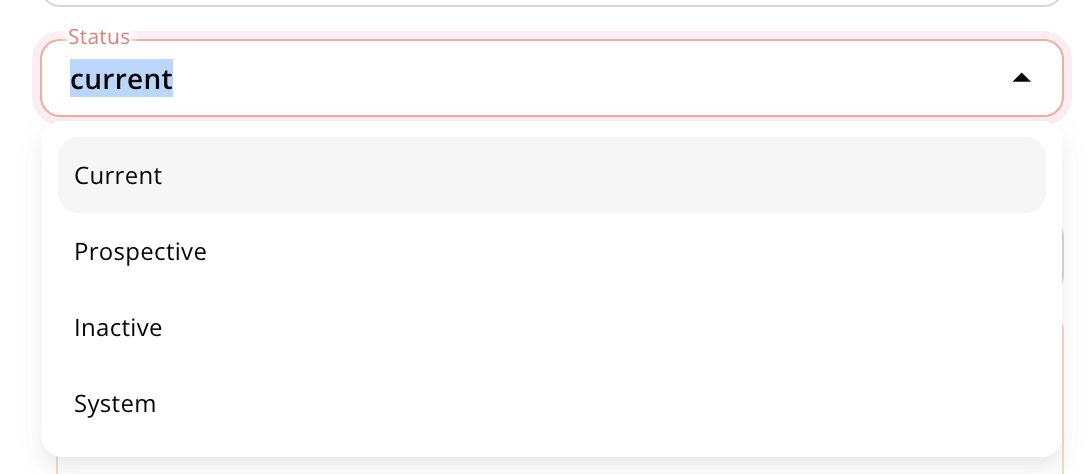
Internal ID is an optional field separate for the Responsibly ID Internal ID is used to represent your own unique ID in your system Internal ID is different from the custom fields in that it helps resolve for duplicates when you’re adding suppliers Responsibly has been constructed to be as flexible as possible and make a 1:1 replica of your internal system, so internal ID can be used when that’s the only unique identifier in your internal setup and you may have duplicates of names and country and want to continue with that logic in Responsibly. In general we advocate that Responsibly is a 1:1 representation of your own system to avoid confusion. We can then help suggest duplication cleanups that you can apply to your own system; and hence ResponsiblyStatus
Status is used to manage different types of suppliers in Responsibly. There are four types of statuses:- Current: the default when creating a new supplier, and the default filter in all segments, reports and dashboards. Represents your ‘current’ suppliers
- Prospective: an optional field intended for tenders and supplier screenings. It gets the full treatment like any other vendor, but it will be filtered out from all reporting on ‘current’ suppliers
- Inactive: an optional field intended for historical suppliers you may still want to keep in the system. It gets the full treatment like any other vendor, but it will be filtered out from all reporting on e.g. ‘current’ suppliers
Contacts
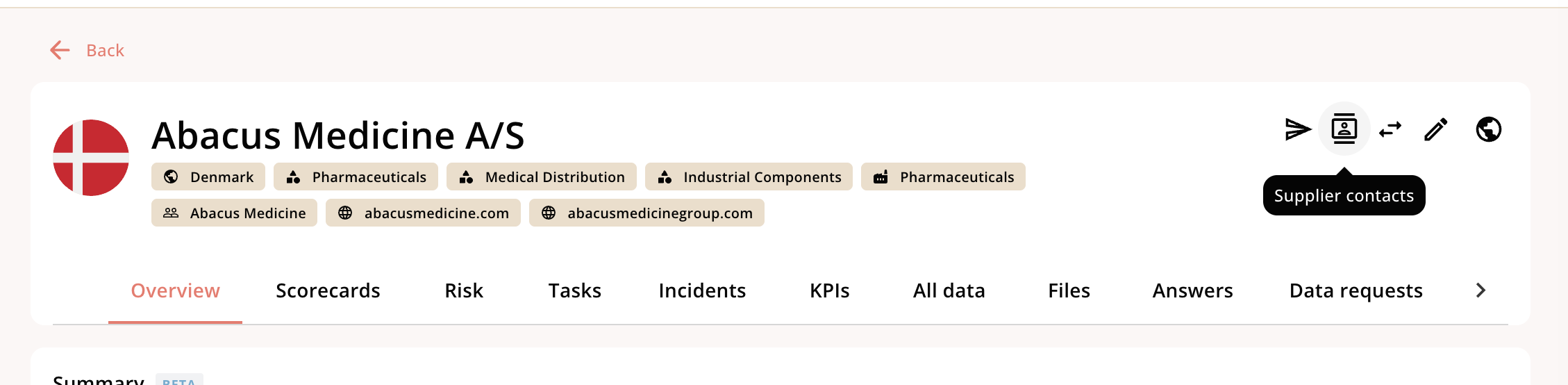
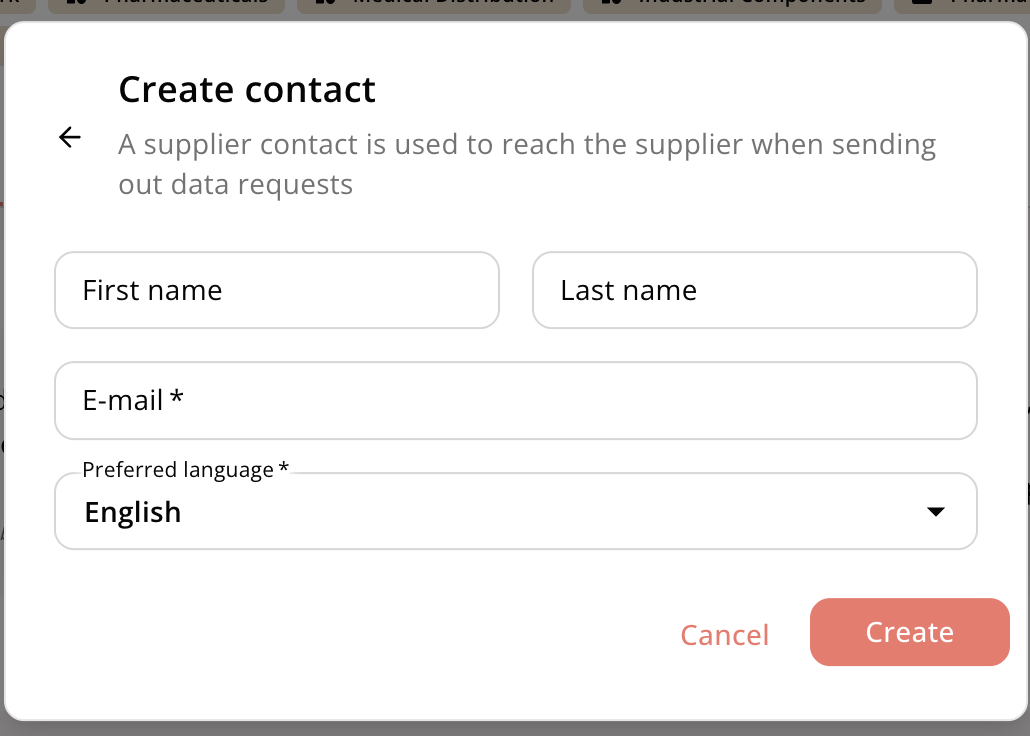
With every supplier you can have one or more contacts. Access these in the top right of the supplier profile