Add user
You can add more users by navigating to your profile icon > Team members > Invite and entering their email ID.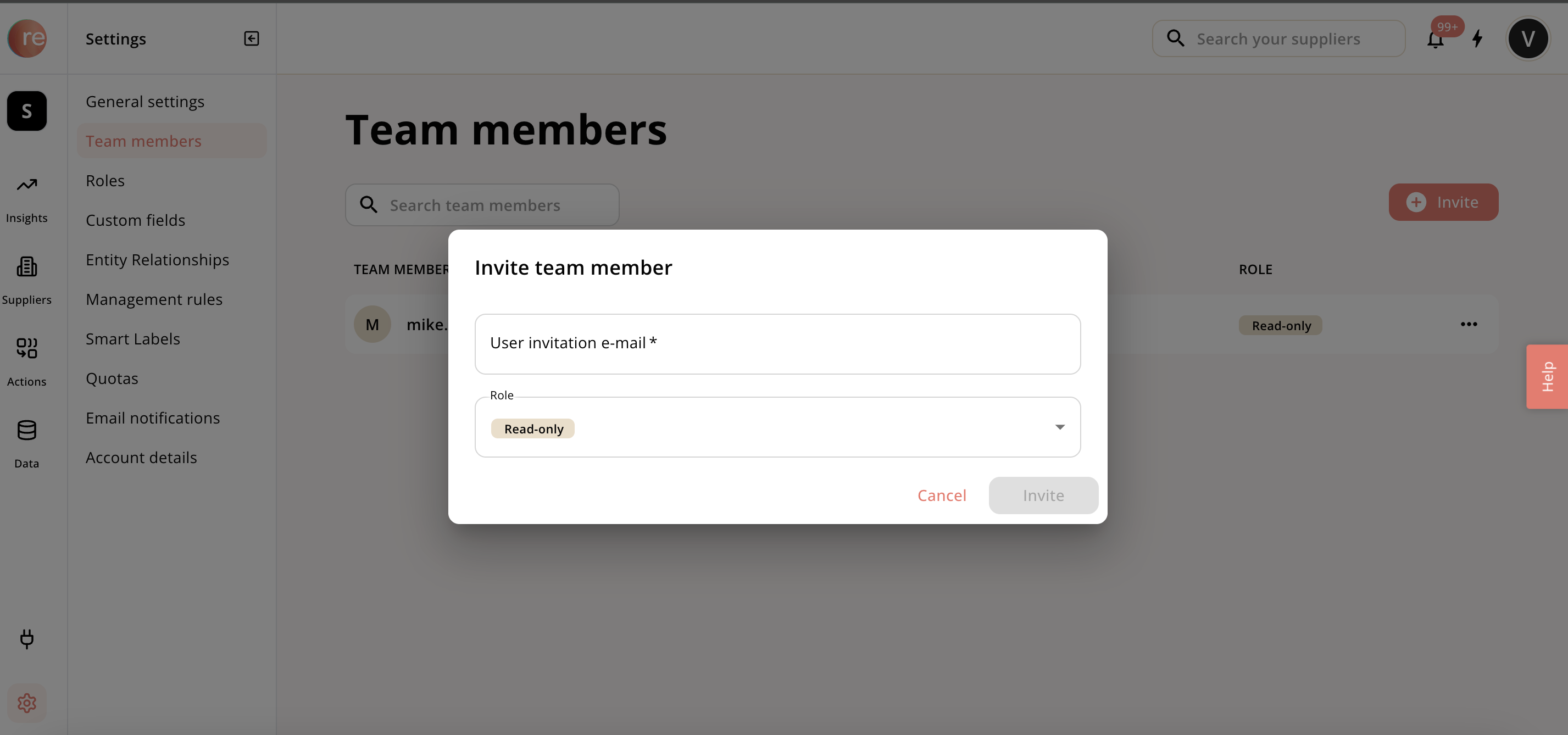
Domain-based self-signup
The domain-based self-signup is not enabled by default. The client can reach out to our customer success team if they want it enabled. If it’s enabled, any email with the company domain can sign up to their Responsibly environment. Here is an example: You are a user of Stark Industries and your email is user@starkindustries.com. Go to the following link https://app.responsibly.tech/sign-upCreate a user by setting up a password and verifying your email. Based on the domain (@starkindustries.com), the system will directly link you to the right environment. Get directly added to the environment of Stark Industries and start exploring.Permissions assigned to new users
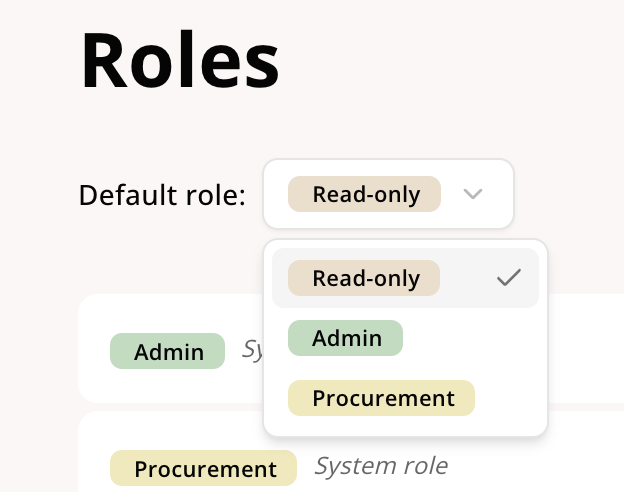
You can decide what role should the added user have from the available options of read only, admin, and procurement. Read more about permissions in Default roles.