What are scorecards?
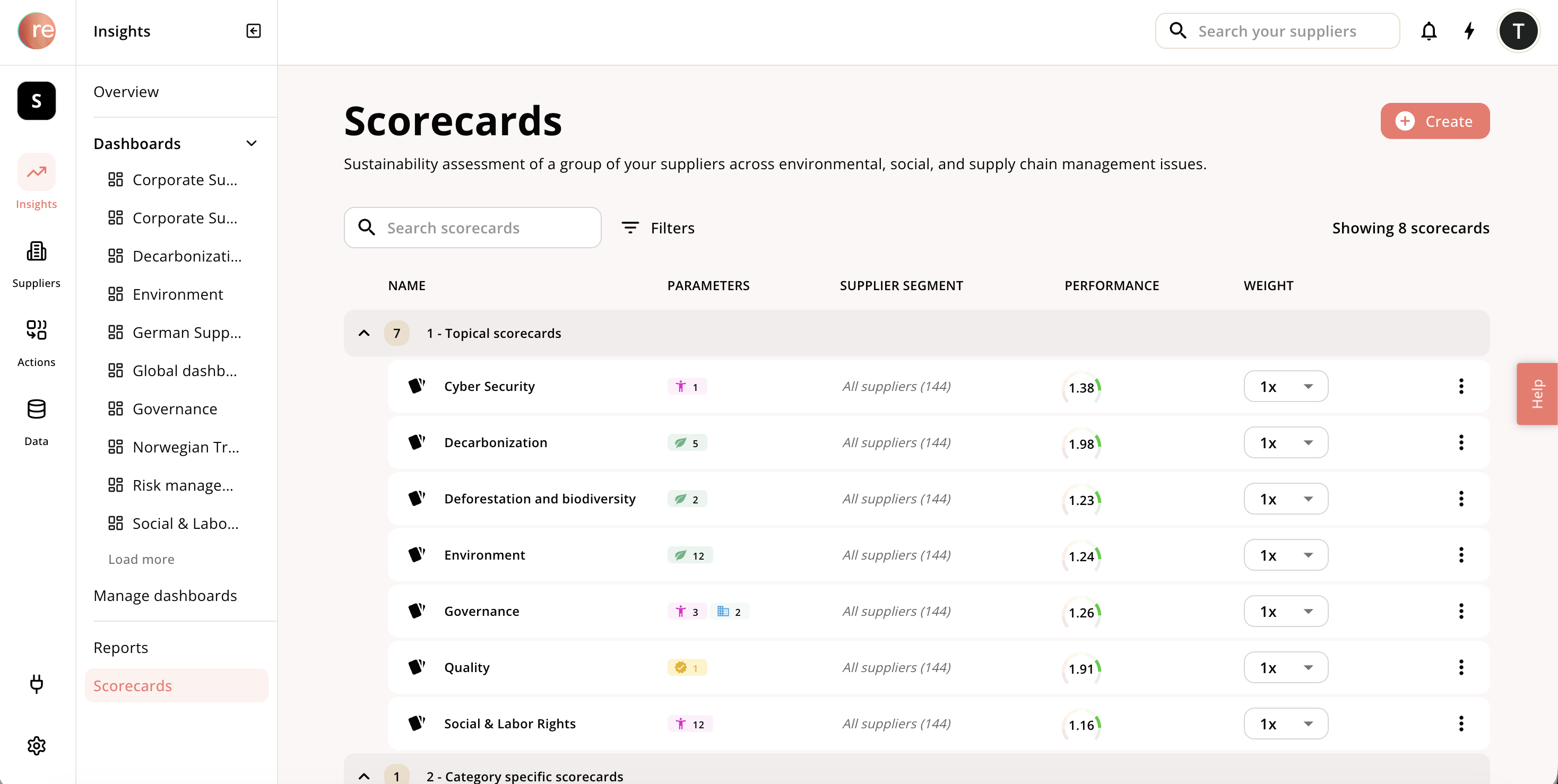
- A modular roll-out: i.e. start with some high priority topics like e.g. decarbonization or human rights, and then expand to roll-in other topics later
- Category specific strategies: tailored scorecards for individual categories that adapts to the priorities and specifics of that category
- Compliance tailored strategies: broad scorecards addressing all parameters required for a compliance legislation (e.g. CSDDD), and then using the scoring setting to only score suppliers when a parameter is ‘material’; read more here: Should a supplier get evaluated on an immaterial topic?
- Language adapted to your company: is your environmental strategy called ‘Better Planet’, then call your environmental scorecard the same so it resonates with your procurement and sustainability colleagues.
Grouping scorecards
For a more complex set-up, we have a grouping feature to help you group scorecards. One configuration we see frequently is grouping scorecards by:- Topical scorecards that apply to all suppliers
- Category specific scorecards applying to some categories
- Country or region specific scorecards applying to some countries/regions

Setting up a scorecard
It’s easy to set-up your own scorecards, and your customer success representative can also help you Simply click create in the top right corner and follow the wizard:- What suppliers should the scorecard apply to?
- The default is all suppliers, but you can create scorecards for any Segment of suppliers
- To help you reuse supplier groupings, you are here guided to setup a supplier segment that you want to evaluate the suppliers on
- Read more about ‘Segments’ here: Supplier segments
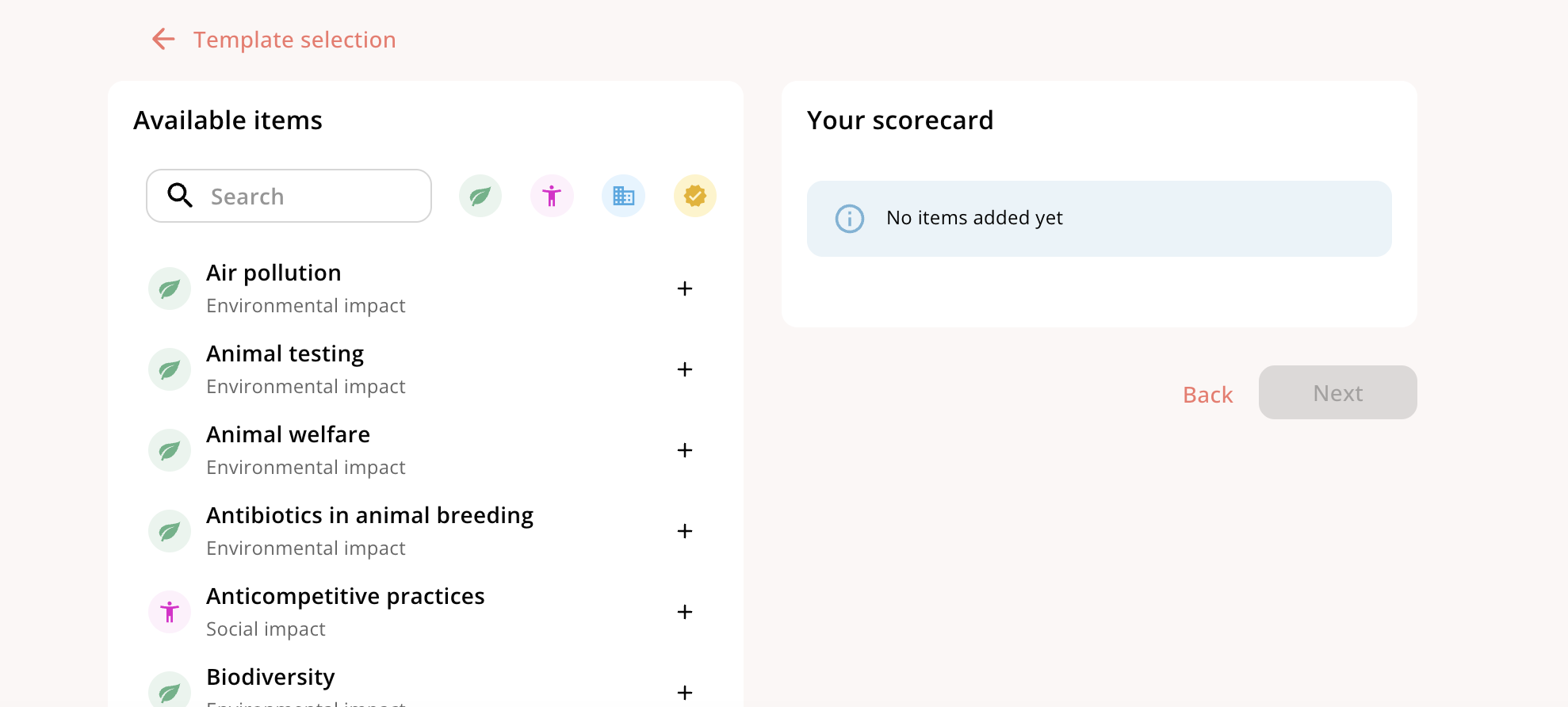
- Here you’re asked which parameters to assess the suppliers on
- You can browse our pre-sets which references different regulations
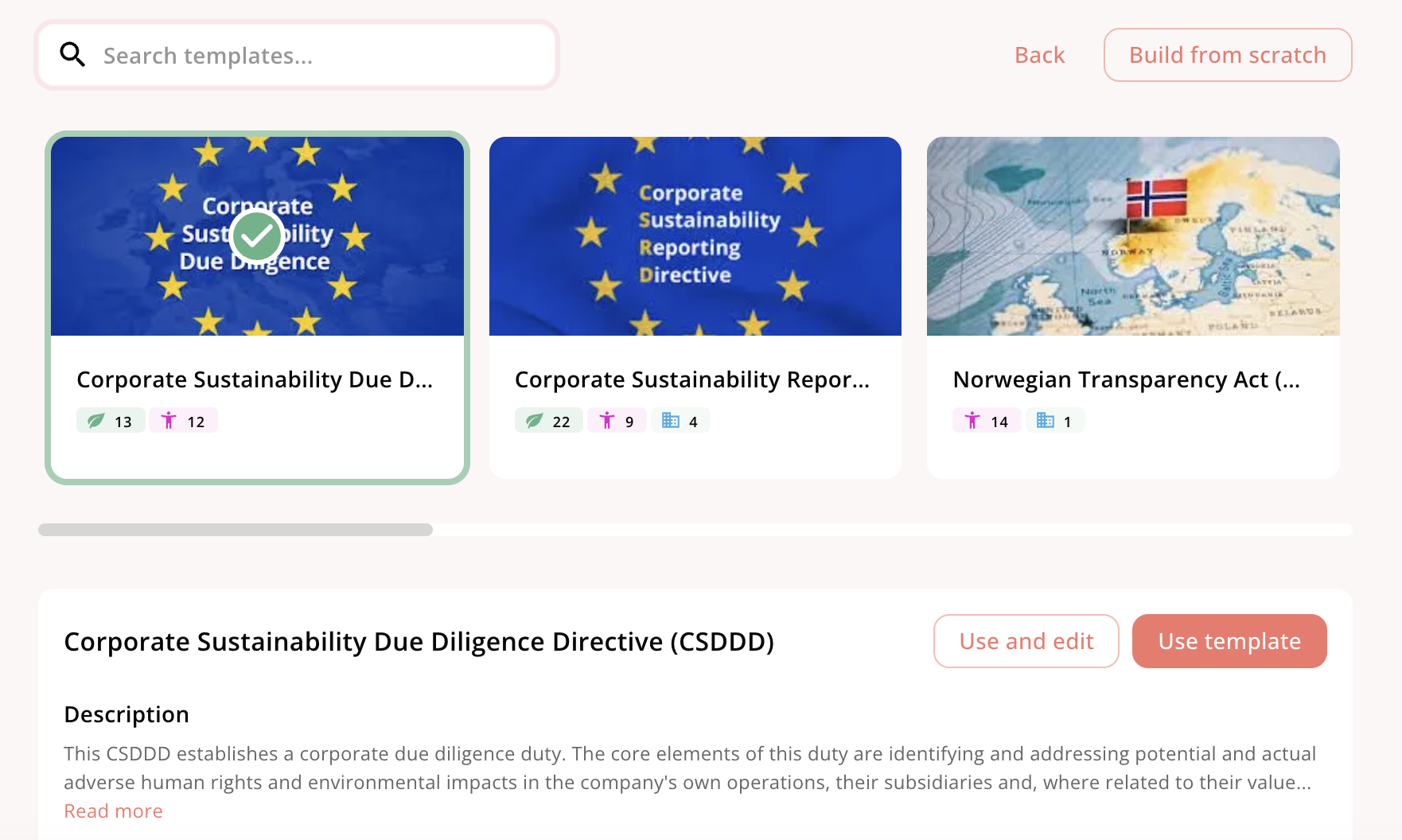
- Either use or edit a preset, or simply set your own scorecard from scratch
Scorecard weights
Video Walkthrough
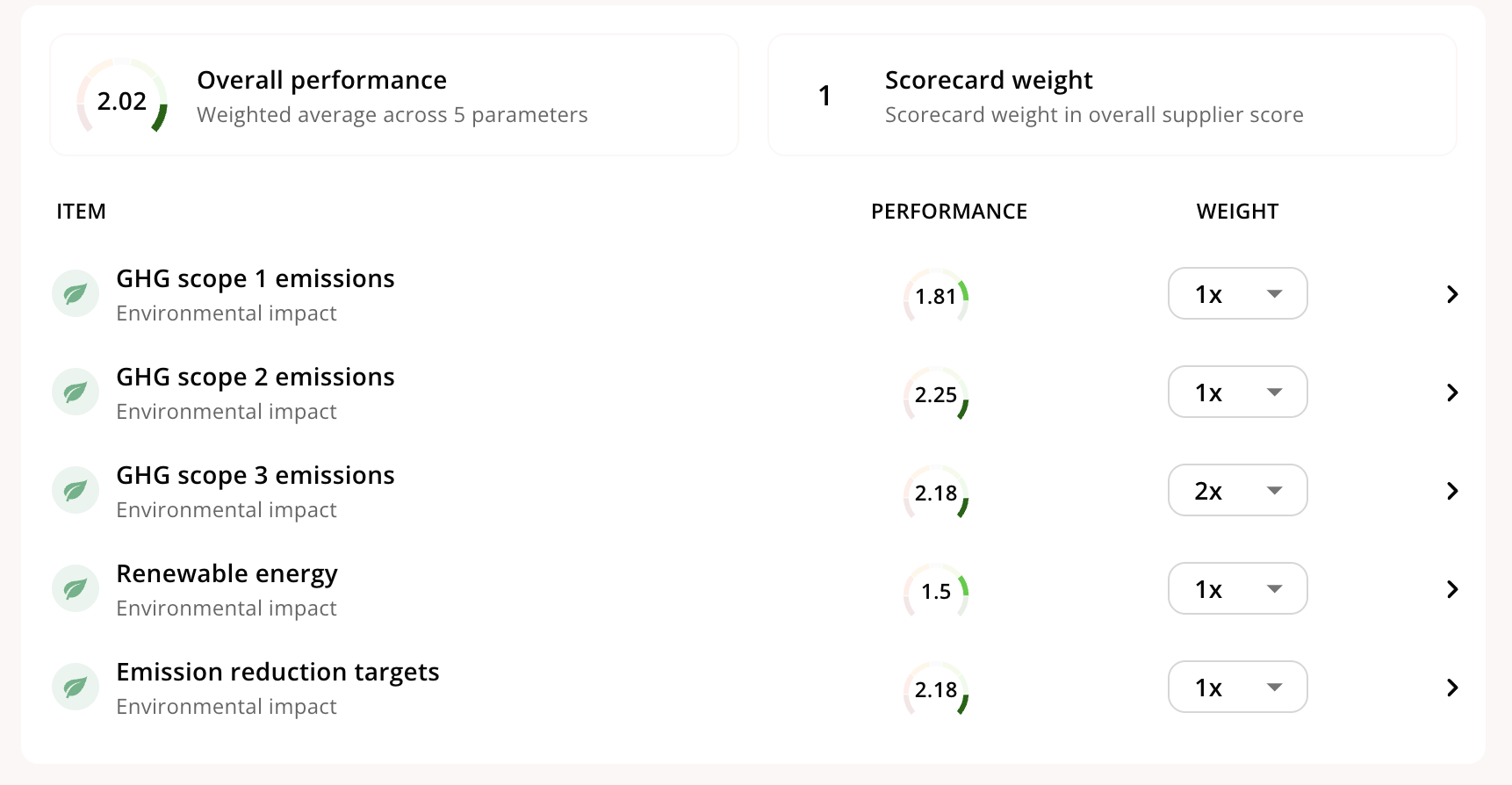
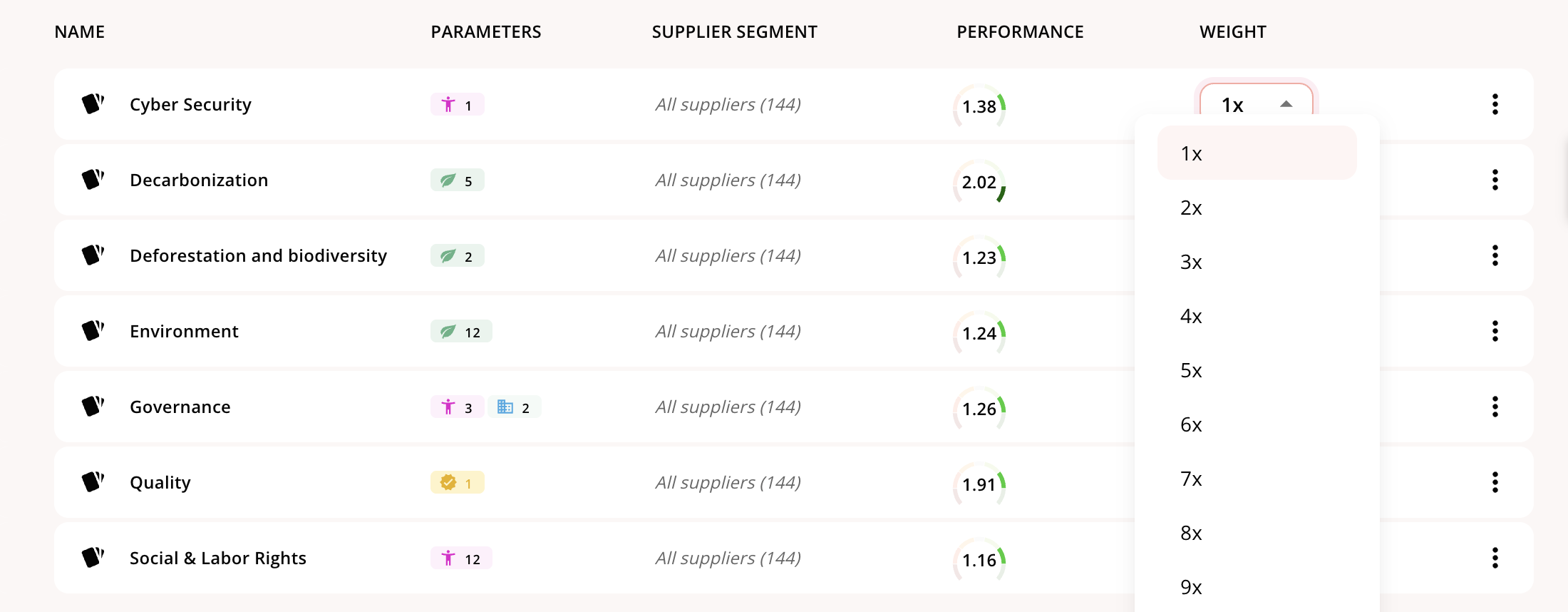
By default all parameters on a scorecard are weighed equally, however, should you have the need to increase the weight on any topic, then you can easily do so
Exploring a scorecard
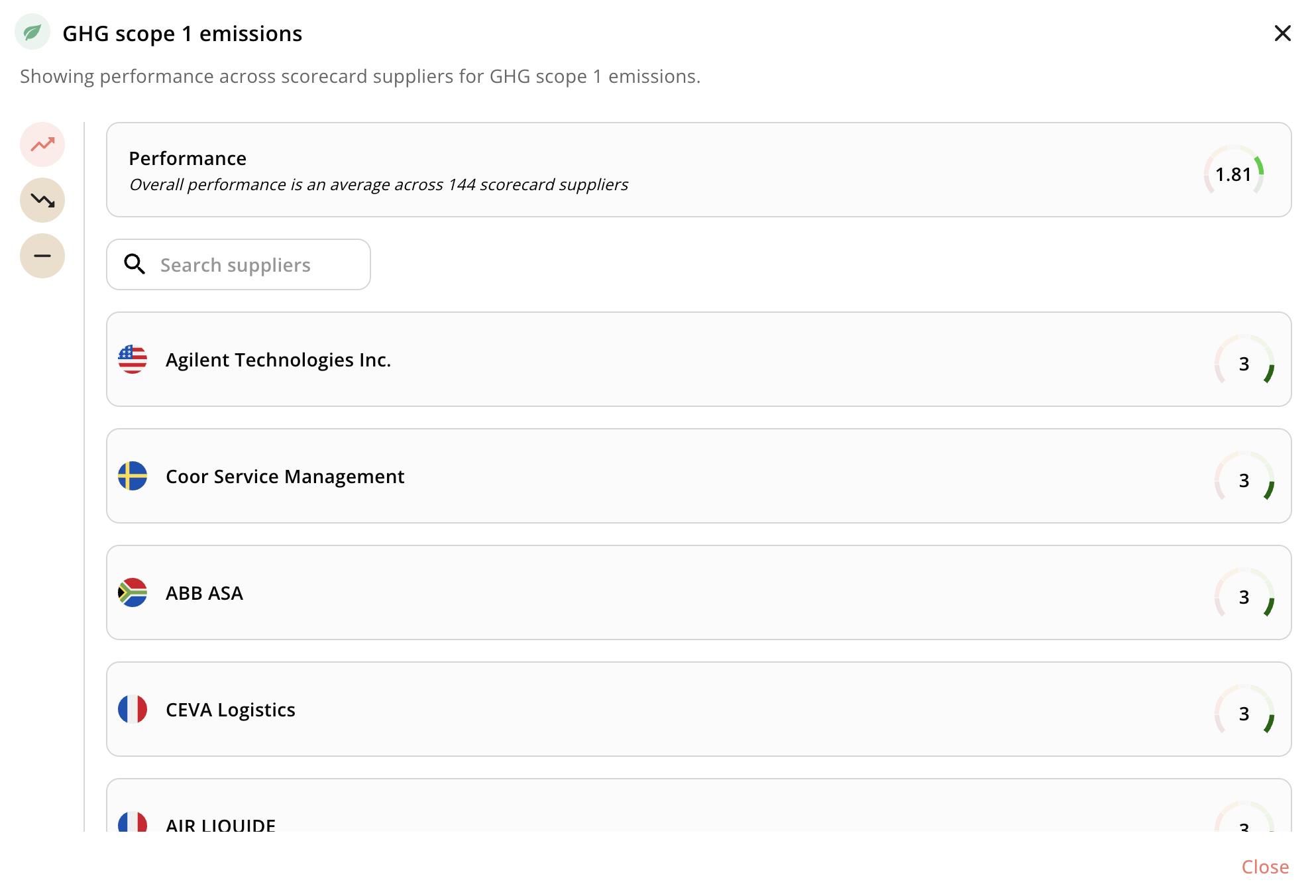
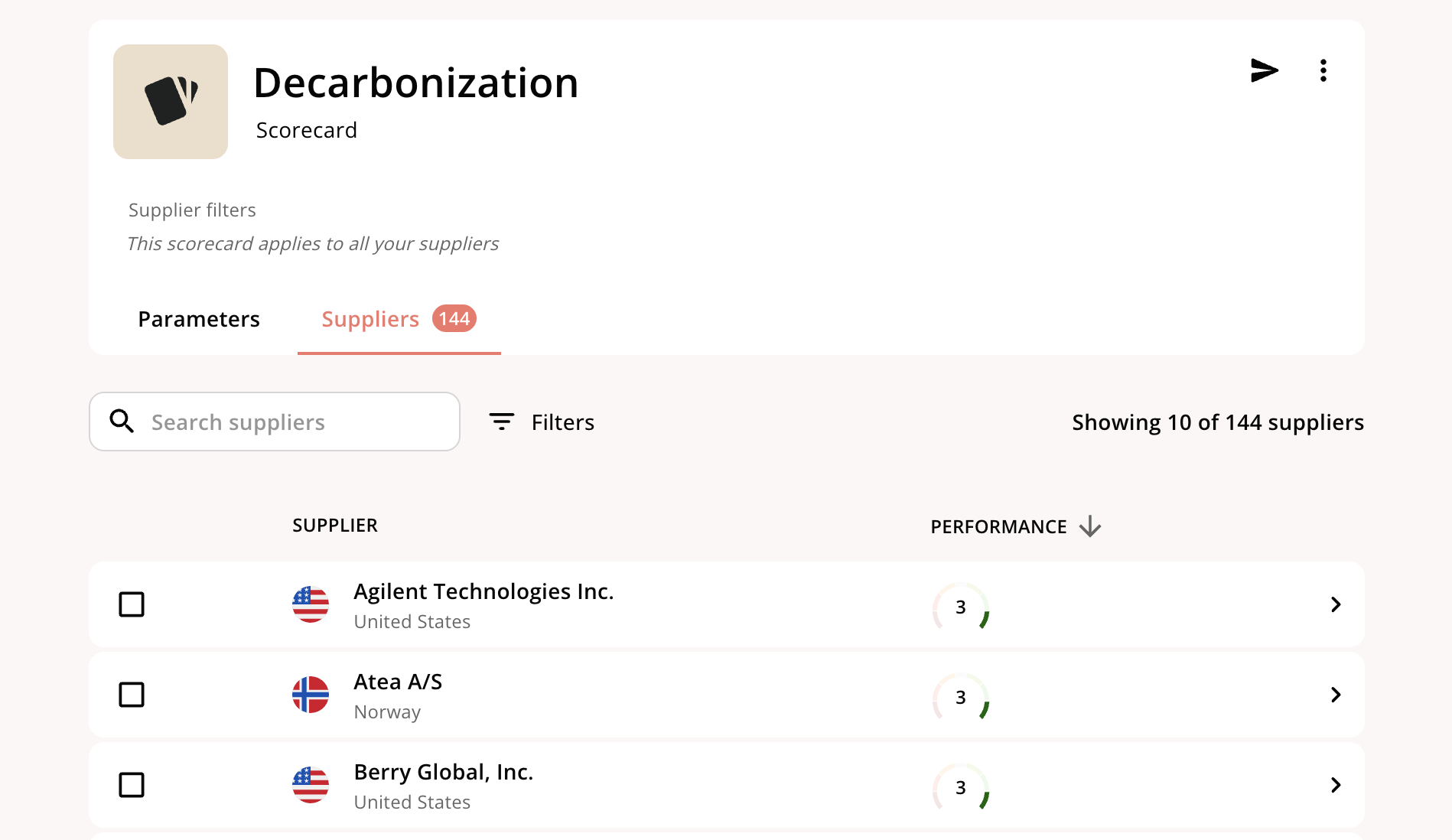
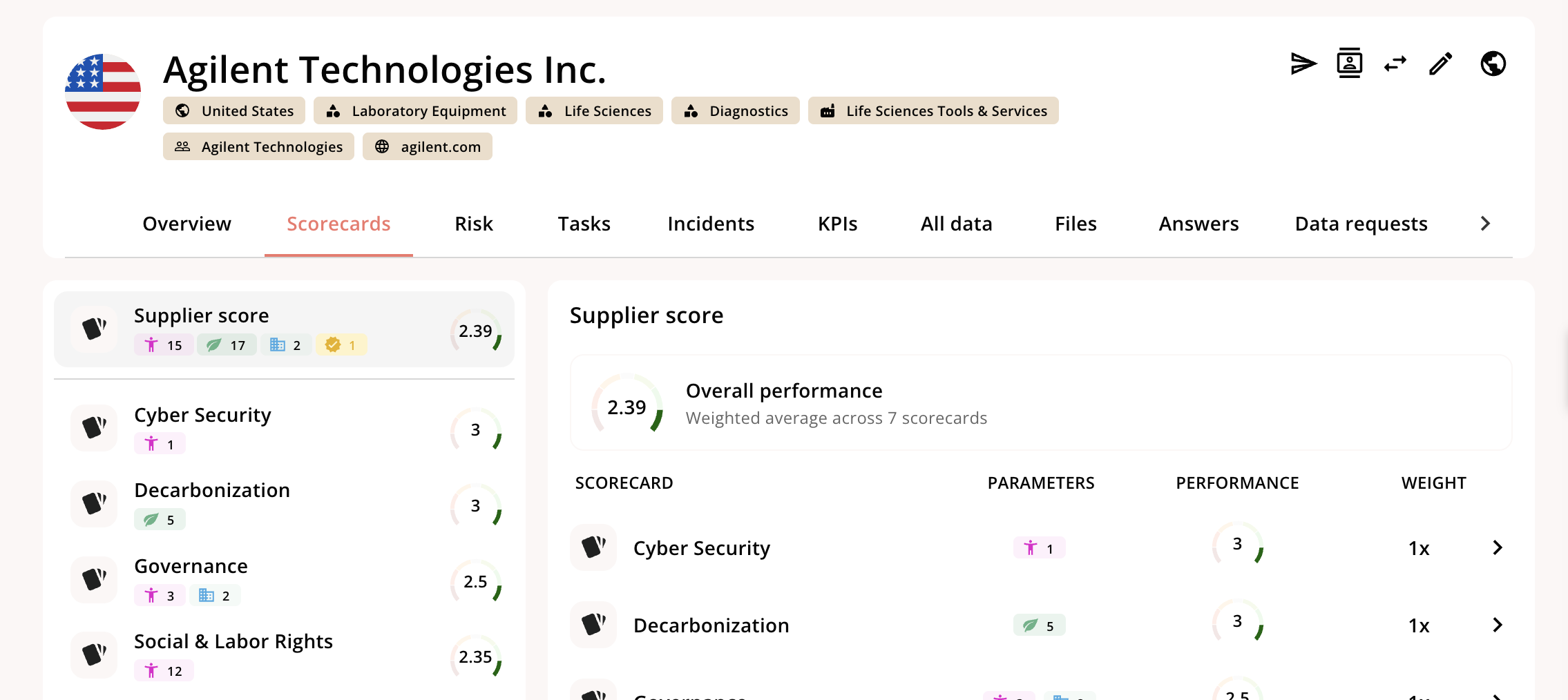
Once you’ve created a scorecard, there are a few ways to explore the effects of the scorecard On the scorecard itself, you can deep-dive into any of the parameters and see which suppliers have a positive score, negative score, or a score of zero, which indicates the topic is not material