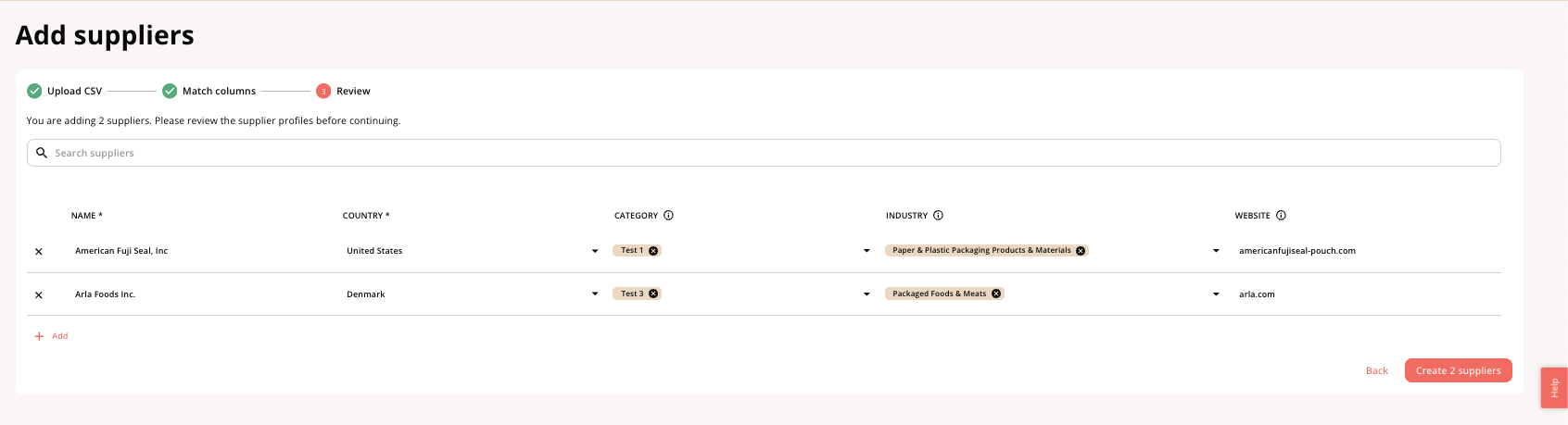
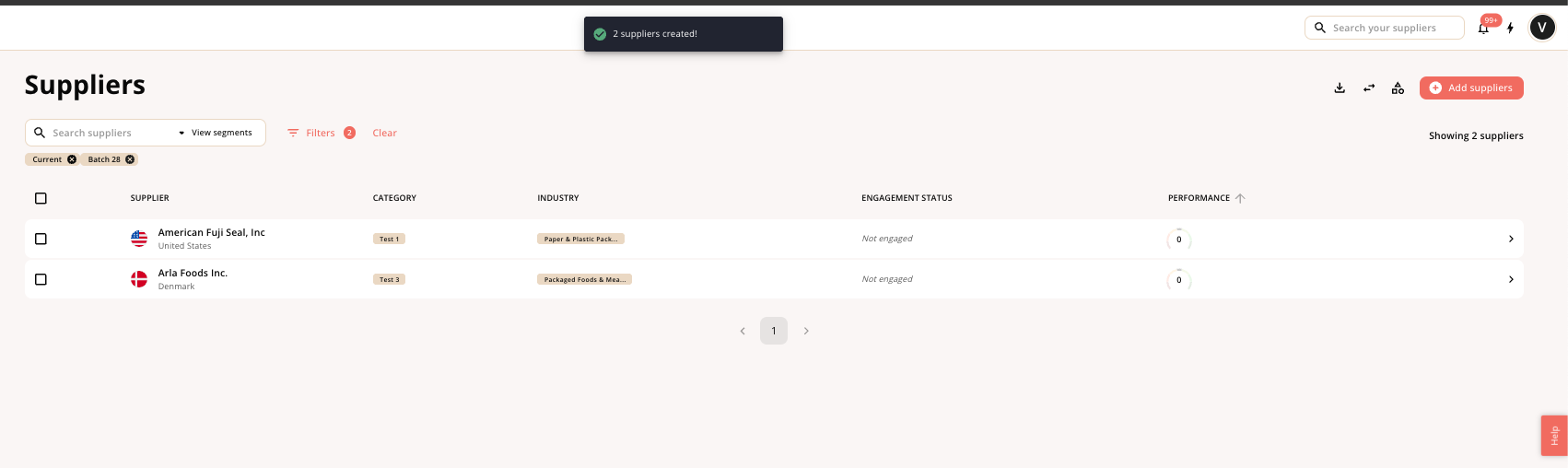
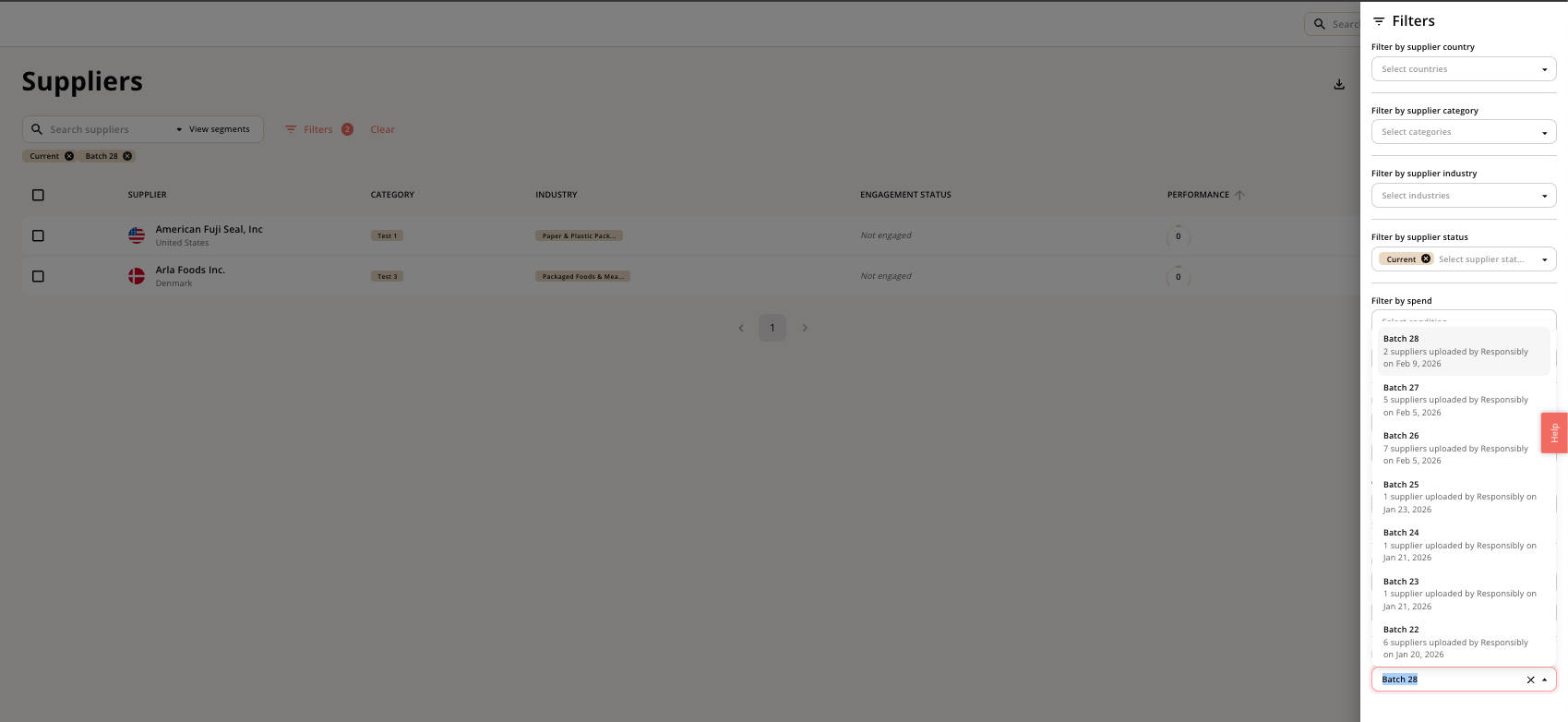
Introduction
You can add suppliers in different ways. The most common way is to upload a csv file, sync it with API over time, and add ad-hoc manually afterwards. You can add by going to Suppliers > navigating to the top right and click add suppliers.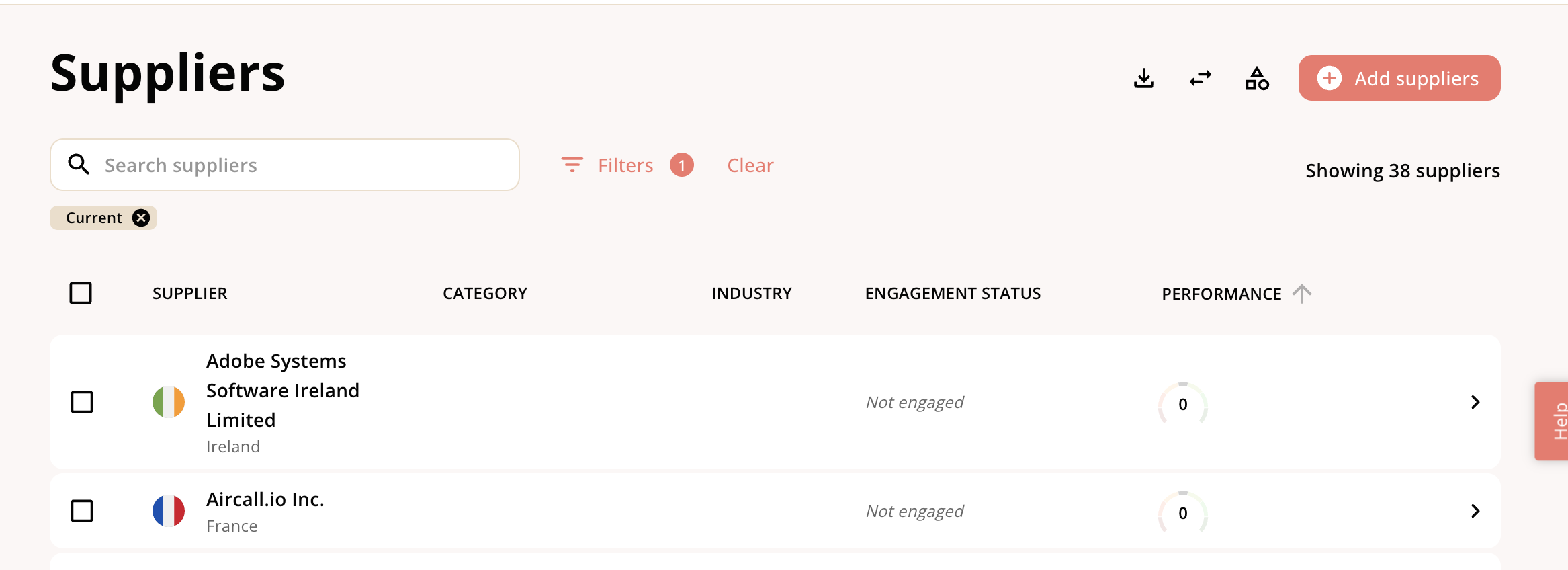
Adding manually
To add a supplier manually, click on Add suppliers > Add suppliers manually > add the name and country of the supplier. You only need the name and country of the supplier to add them manually. However, you should make sure that the rest of meta data is filled in earlier for easy processing later. To learn more visit the Supplier metadata section.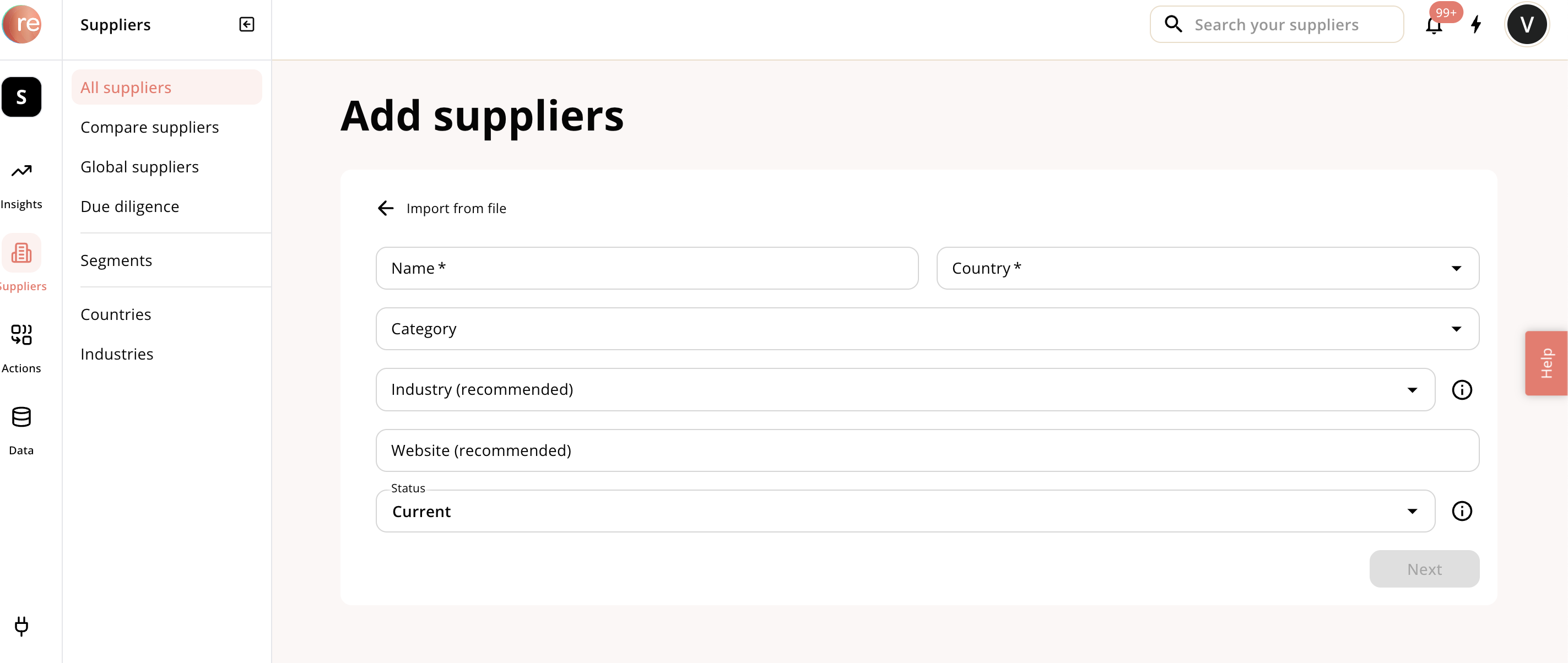
Bulk upload via CSV file
You can find the template to upload CSV file by navigating to Add suppliers and clicking the download teamplate. Prepare the csv file and click upload Please make sure that the uploaded CSV must use commas as separators. If a cell contains multiple values, separate each value with a semicolon. Example: Soy beans; Soy oil, to reduce the chance of duplication. To learn more visit the Supplier metadata section. Match columns We will try to map it automatically, but will flag if we were not successful.