
Video Walkthrough
What are public supplier profiles?
Public supplier profiles are basically sanitized versions of the supplier overview page. It excludes your notes, your internal categories, and any reference to your organization It has a unique link that’s publicly available without logging in, and a button to redirect to the specific supplier page pending login. This url can be shared in the API The intention is that it’s a URL that can be integrated with your ERP or procurement system, where your procurement people or other partners can get directed and see more information without logging in, while also easily access detailed information if they’re already logged in To view the public supplier profile, click the earth icon in the top right corner of your internal supplier profile Public profiles are an opt-in feature and needs to be enabled For more information on APIs go to API and integrations For more information on how to allow anyone with your email domain to create an account, go to Domain-based self-signup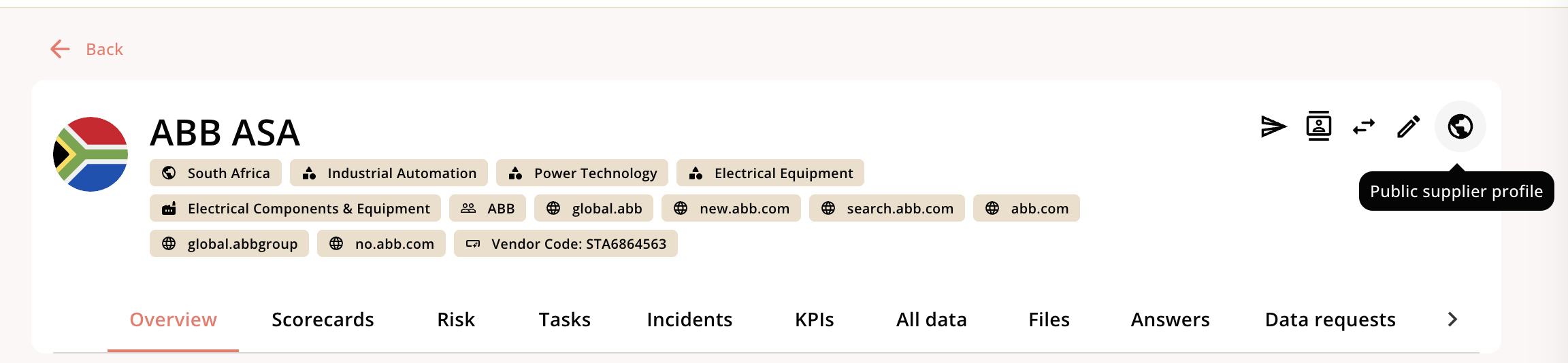
How to enable them.
Public supplier profiles are disabled as a default. To enable them, go to Settings → General settings