What are ‘answers’?
Answers are answers to questions either provided by the supplier or the AI Read more about answers in the supplier engagement section: Supplier engagementWhich answers can be scored?
Answers with a pre-defined outcome can be scored. E.g. if you have a question where the supplier can answer yes/no or specific answer categories, then it’s a predefined outcome In contrast, free text responses are not currently scored. However, we’ve long been wanting to allow the user to customize an LLM prompt to evaluate and score a free text response. If you’re interested in this functionality then get in touchSetting up scoring rules
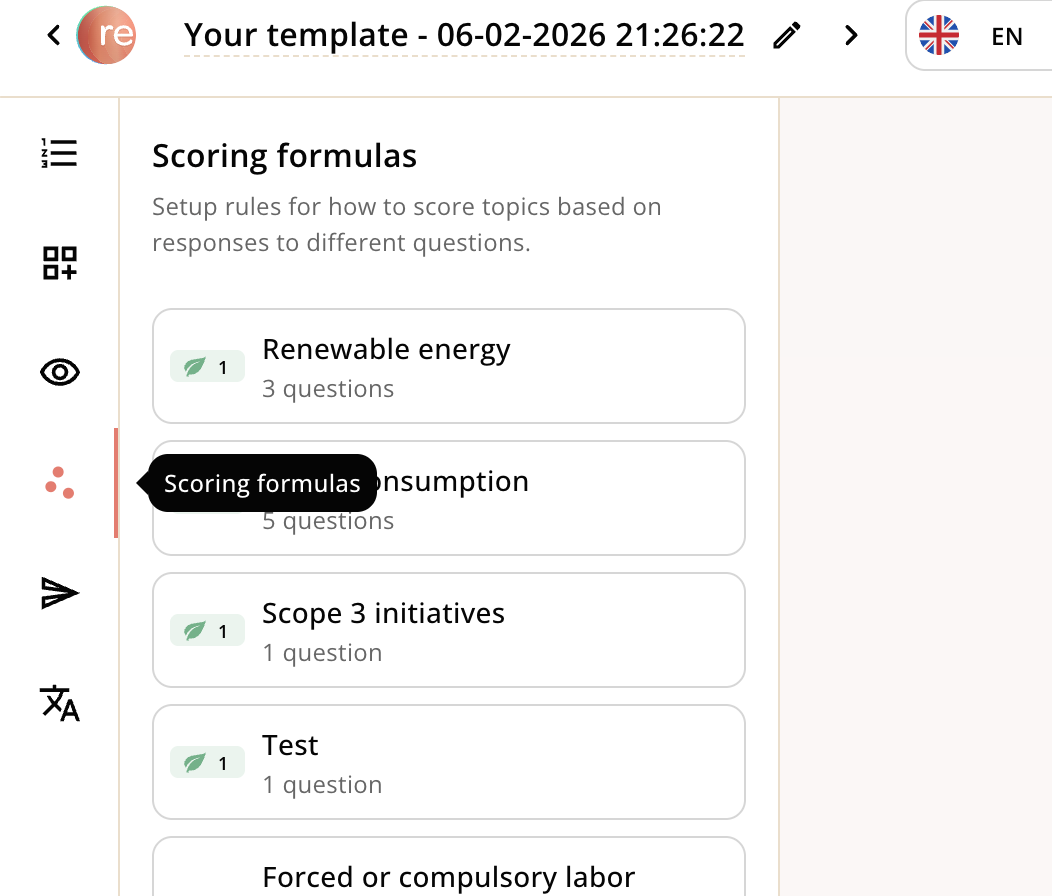
Currently you need to go into ‘Engagement templates’ to score a question/answer. Go to Action → Engagement templates → and navigate to an existing template or create a new one. Once you’re on a template, navigate to ‘Scoring formulas’- Call-out: Although scoring formulas are currently set up from a template, the formulas apply across templates and to the questions themselves. We will ship a more intuitive user experience for this.
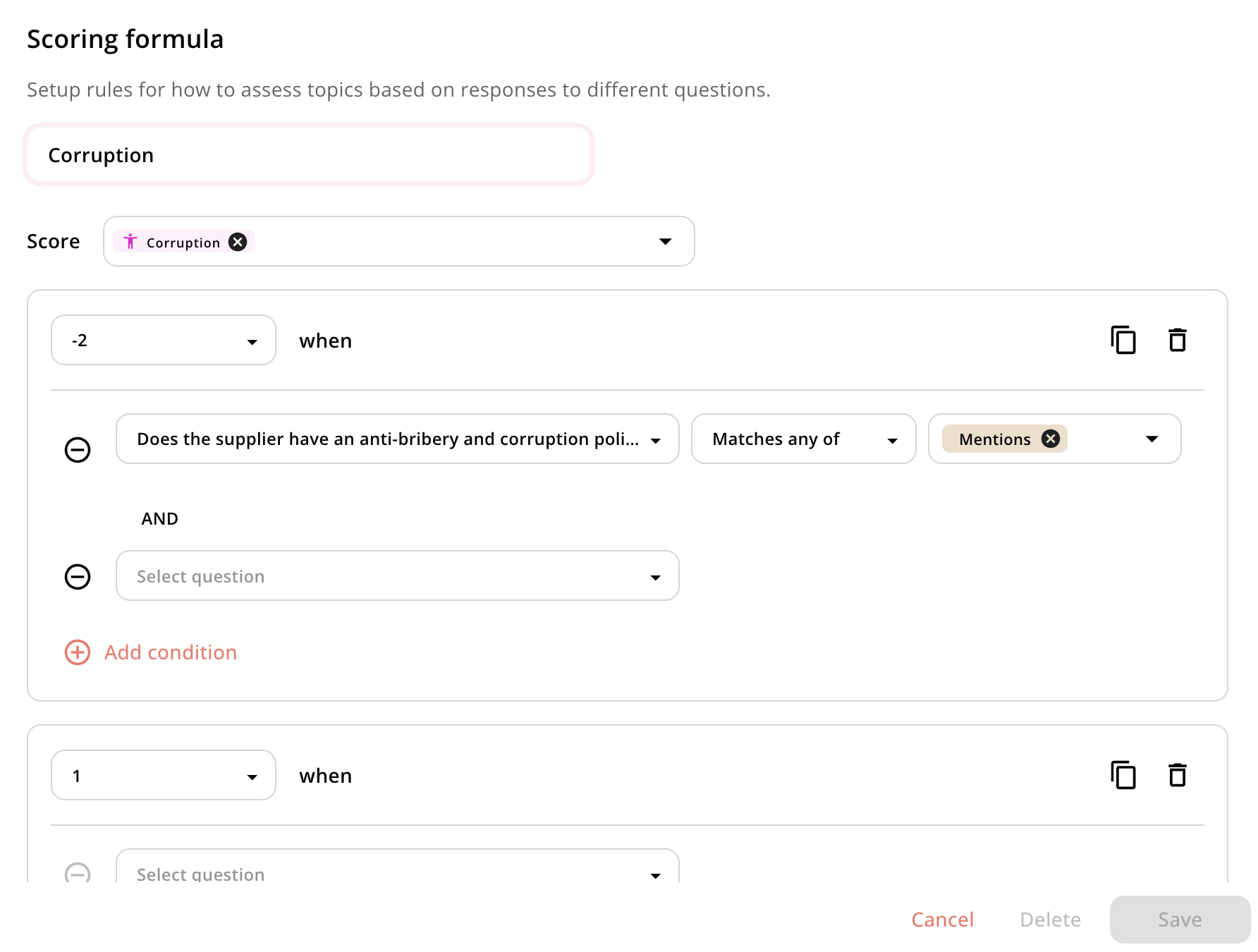
- Choose which parameter(s) to score
- Choose what value you want to assign that parameter (e.g. -2)
- Choose the conditions for when you want that parameter to get scored a -2
- Here you can select the question you want. The questions are sorted so questions tagged to the parameter you’re scoring are at the top
- You can then choose whether you want to assign the score simply when the question is answered, or whether you want the answer to match one or several of the predefined answer categories
- You can assign multiple conditions with different layers of and or criteria
- Finally, you can continue the scoring formula for that topic. Maybe you also want to determine scenarios when that topic is score a -1, 1, 2, and 3